Add Repositories to Scan
Repositories you want Plexicus to scan are managed on the Repo Scan page. You need at least one connected source control provider first — see GitHub, GitLab, Bitbucket Cloud, Gitea, Forgejo or Azure DevOps.
1. Open Repo Scan
- In the left sidebar, click Repo Scan
- The page lists the repositories already added, with their SCM, findings by severity, pipeline status, priority, branch and last scan date
- Click Add Repository

2. Select the Source Control Provider
- If more than one provider is connected, the Select Source Control dialog asks which one to add a repository from
- With a single connected provider, Plexicus goes straight to its repository list
3. Select Repositories and Branches
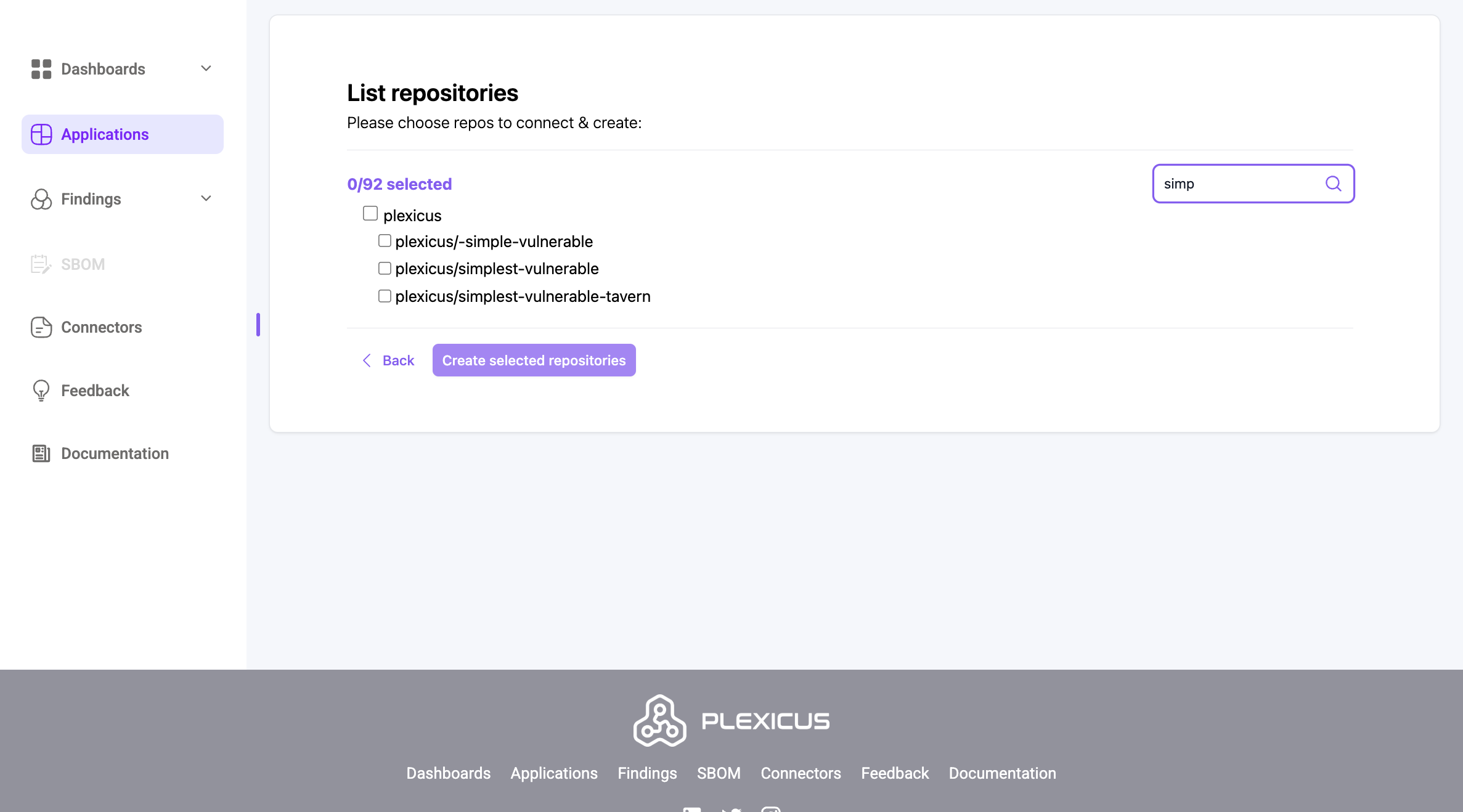
- Plexicus lists the repositories it can reach under Please choose repositories to connect & create, grouped by owner. Repositories you already added are marked Repository already exists
- Select one or more repositories. For each one you can choose the Branch to scan directly in the list
- Optional: click Advanced Options to choose which security tools run for each repository
- Click Launch
4. Follow the Scan
- You return to Repo Scan, where the new repository appears in the list
- While scans run, the scan tracker at the bottom of the page shows the active scans
- When a scan finishes, Finished Scan At is filled in and the Findings column shows the count per severity. A scan that stops making progress is marked Scan Stuck; you can finalize it without data loss or use Re-Scan

5. View the Findings
- Open Findings in the left sidebar to work with everything the scan found
Black Duck
Black Duck is not one of the cards under Settings › Integrations. You bring Black Duck results into Plexicus in one of two ways:
- Import a report (any organization): open Findings and click Upload Scan.
Choose the repository under Select repository, choose
blackduckunder Select tool, pick the Black Duck JSON report under Select file, and click Upload. The report must be valid JSON; its issues become findings on that repository. - Fetch results during a scan: if your organization has Black Duck API credentials configured, clicking Launch opens Project Name for Black Duck, where you enter the Black Duck project for each selected repository and click Proceed. Plexicus then downloads that project's results as part of the scan.
Next Steps
Once a scan has finished, continue with Findings to triage and remediate.